
Have a question?
Send us a message and we will reply by email. Or open a free account now: every account starts with 60 days of the Team plan, and no card is needed.
The Installa app is for installation crews. Each person signs in with the Installa account they already have. There is no separate sign-up in the app.
Get it on Google PlayA fitter is on a roof with a phone in one glove, asking whether the battery goes in the garage or the utility room, and whether anyone mentioned the dog. The office rings the salesman, the salesman is on another call, and two people stand about on a scaffold until somebody remembers.
Everything they are asking about is already written on the job in Installa. The app puts it on their phone, and lets them send back what they have done without anyone ringing anybody.

The day’s jobs, with the address, the access notes and directions.

Ticked off on the phone as the work is done.

Ticks, problems and notes send themselves when signal returns.

The customer’s signature is kept with the job.
A crew app, not a version of the office in miniature. Each person signs in and sees the jobs they are on, and nothing they do not need.

Plenty of roofs have no coverage worth the name, so the app carries on without it. The jobs for the day are already on the phone, and the parts a fitter uses most work with nothing at all.
Ticking a task off, saying that a task has hit a problem and adding a note all work with no signal, and go up on their own as soon as there is some. Nobody has to remember to send anything. Settings shows whether the phone has a connection and how many changes are waiting, with a button to send them now.
Starting a job, photographs and the customer’s sign-off need a connection. If the site is a dead spot, those wait until the van is back in signal. We would rather tell you that now than have you find out on a barn roof.
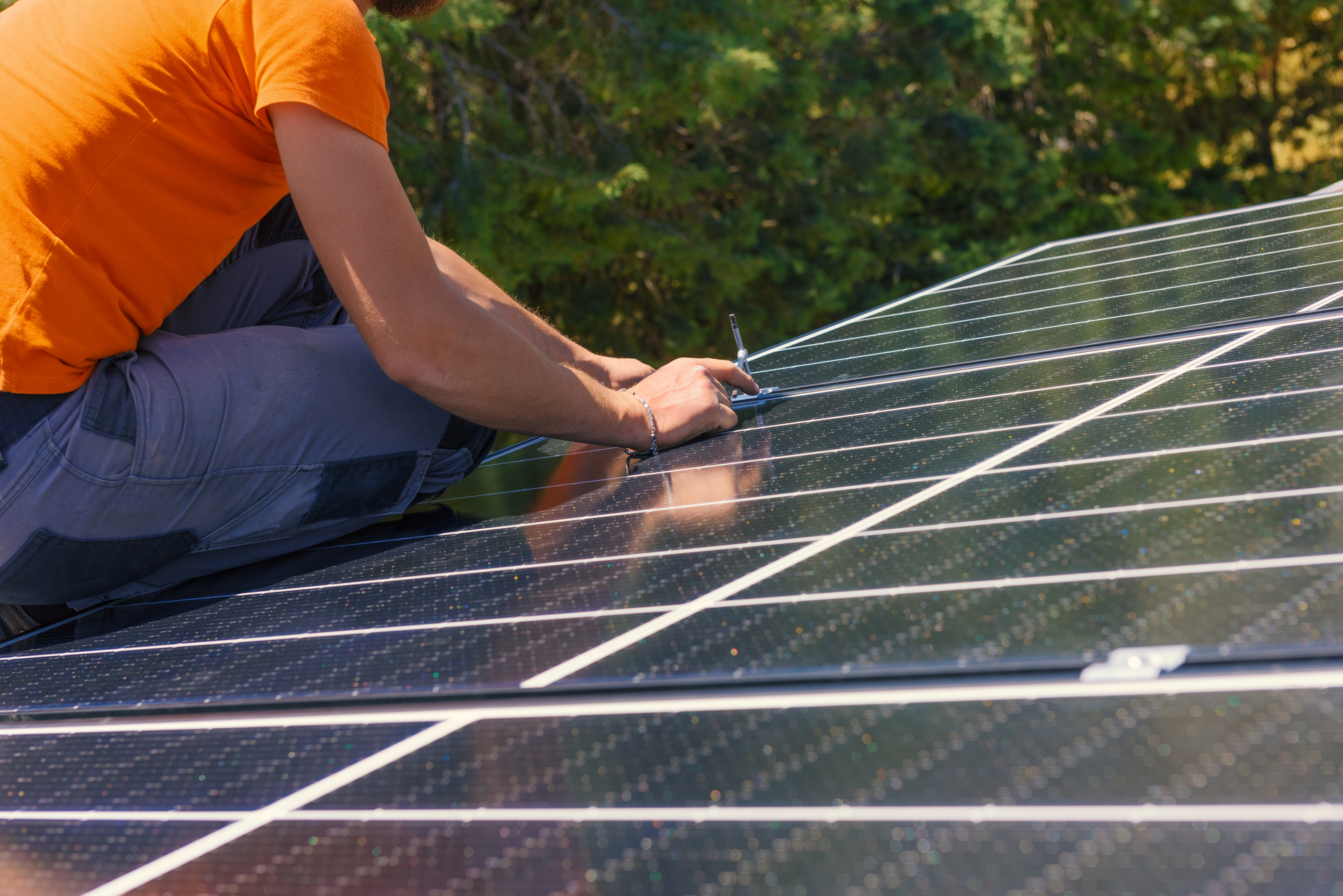
There is no second system to keep up. A job in the app is a job in Installa.
The office sees how far along the install is without ringing the crew to ask.

Labelled, on the right job, with the rest of the record.
The customer signs on the phone at handover, and the signature is kept with the job rather than on a damp sheet of paper in a van.

Better you know before you start than after.
The app is one way into the job. This is the rest of it.
Put in one real enquiry, draw the roof, check the design and send yourself the quote. You will know within the hour whether Installa would have caught the things that went wrong last month.
Start free Ask a question